How It Works

Embroidery Design — 4 Simple Steps

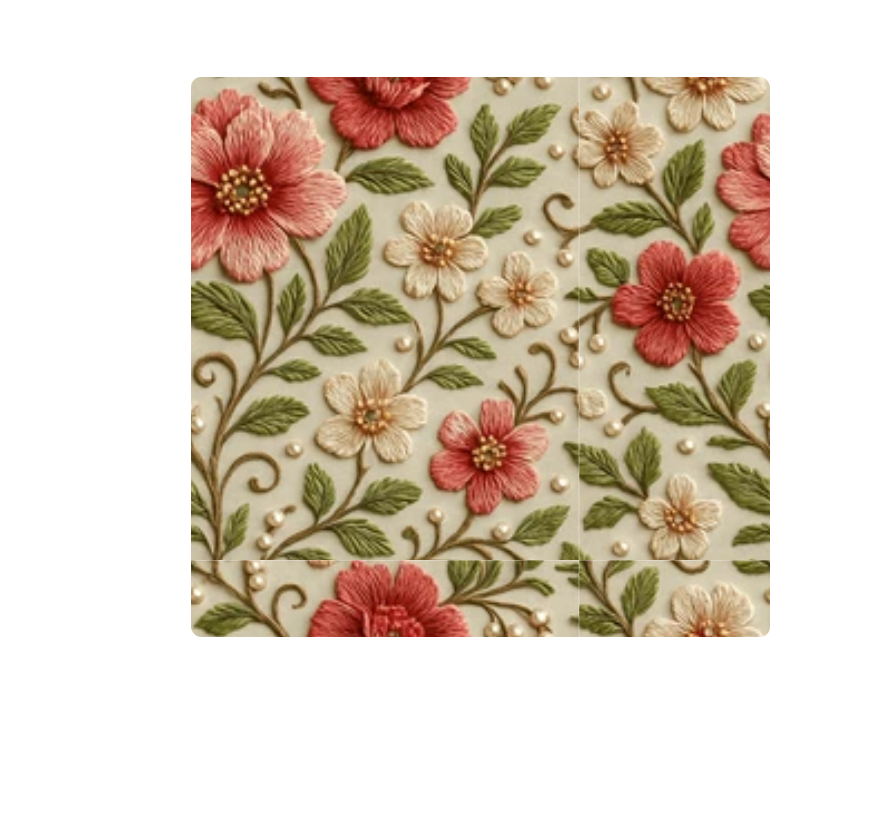
Create Your Design

Start from a blank canvas or import your artwork.
  • Upload JPG, PNG, or SVG files
  • Draw shapes, lines, and text using creative tools
  • Organize elements with layers and grids
  • Real-time stitch simulation
Login To Explore
Auto-Digitize Magic

Convert images into stitch paths instantly.

  • Upload JPG, PNG, or SVG files
  • Use the Auto-Digitize Wizard to detect edges
  • Adjust detail with the simplicity slider
  • Choose stitch type (Fill, Satin, or Outline)
Login To Explore
Fine-Tune & Customize

Redefine every thread and shape.

  • Edit stitch density, angle, and pull compensation
  • Reorder layers and change thread colors
  • Preview realistic fabric textures (cotton, denim, silk)
  • Full control for professionals — simplicity for everyone
Login To Explore
Preview & Stimulate

See your design in motion before stitching.

  • Play the stitching sequence
  • Check thread usage, time, and stitch count
  • Zoom, rotate, and inspect your pattern
  • Ensure perfection before sending it to the machine
Login To Explore
Login To Explore

Join The Embrivya Community

Get the latest embroidery templates, design tips, and feature updates straight to your inbox.

Subscribe Now